DESKTOP APP
Desktop Chat App
Talk to NOWORX right from your PC. Chat, query, and assign tasks on the desktop — no mobile app needed.
A chat client separate from the launcher (engine). With the launcher connected, it works the same on desktop.
DOWNLOAD
Download the Desktop Launcher
The launcher is the engine that runs real tasks on your office PC.
Auto-updates on launch after installation
Windows
Windows 10 / 11 (64-bit)
- 1Click 'Download for Windows' above to get noworx_launcher_win-x64.exe.
- 2Double-click the downloaded noworx_launcher_win-x64.exe to run it.
- 3If a 'Windows protected your PC' warning appears, click 'More info' → 'Run anyway'.
- 4When the launcher opens, log in with your company account.
macOS
macOS 11 Big Sur or later · Apple Silicon (M1 or newer)
- 1Click 'Download for Mac' above to get noworx_launcher_mac-arm64.dmg.
- 2Open the dmg and drag NOWORX into the Applications folder.
- 3On first launch, if an 'unidentified developer' warning appears, right-click the app → 'Open' → 'Open'.
- 4When the launcher opens, log in with your company account.
How does the launcher work?
The engine role
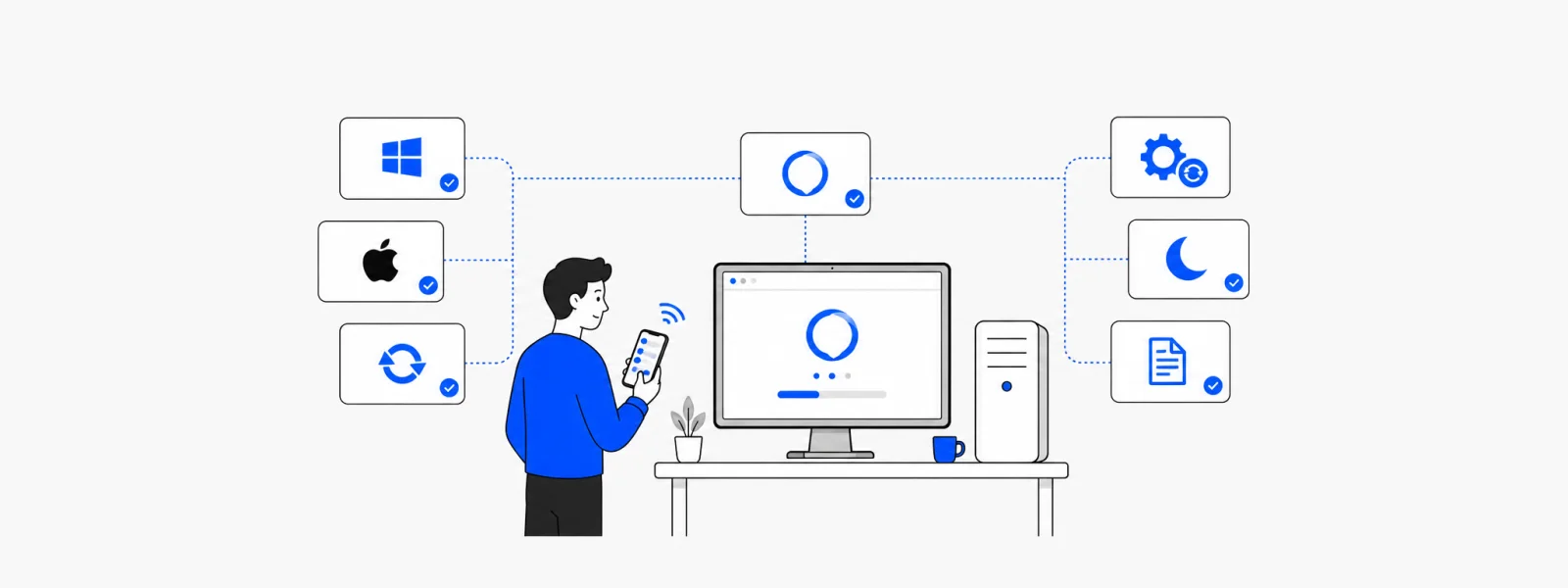
The PC with the launcher installed becomes the engine that runs real work. The mobile app and web are the remote control that issues instructions.
Auto-connect
A single login automatically connects you to your company and department. No complex tokens or addresses to enter.
Always on standby
The launcher waits in the background (system tray), and when an instruction arrives it processes the task and returns the result.